How to grow on Instagram as an artist: a practical guide
Written by Yogesh, Founder of Linkerzz
· 4 min read
 instagram
The short answer
Post original work you made, show your process, use carousels, Reels and Collab posts to reach new people, reply to comments, and send interested people to one page where they can see, buy or commission your work.
Linkerzz makes a link-in-bio page builder and is not affiliated with Instagram, TikTok or any other app named here. Facts about other apps were checked on October 12, 2026. Apps change their menus often, so trust the app's own help page if yours looks different.
On this page
Most artists do not struggle to make good work. They struggle to be seen. Instagram can still help, but only if you treat it as a place to show your work and your process, and then send interested people somewhere they can buy. Here is a practical way to do that.
Post work you made yourself
Instagram’s guidance for creators is to share content you created, or that has not been posted on Instagram before. For an artist that is easy: your own paintings, drawings, prints, sketches and photos of your studio. Do not repost other people’s art for reach, and do not rely on trends alone.
Mix the formats
Instagram’s creator guidance says that people see a mixture of videos, photos and carousels, and that sharing posts or carousels regularly helps you engage with your audience. Use all of them:
- Carousels are ideal for art. Show the finished piece first, then a detail, then the process, then the studio.
- Reels show the work happening. A fast time-lapse of a painting, or a few seconds of a brush stroke, holds attention.
- Single images are good for finished pieces that stand on their own.
- Stories are for the everyday: the table, the materials, a work in progress.
Show the process, not only the result
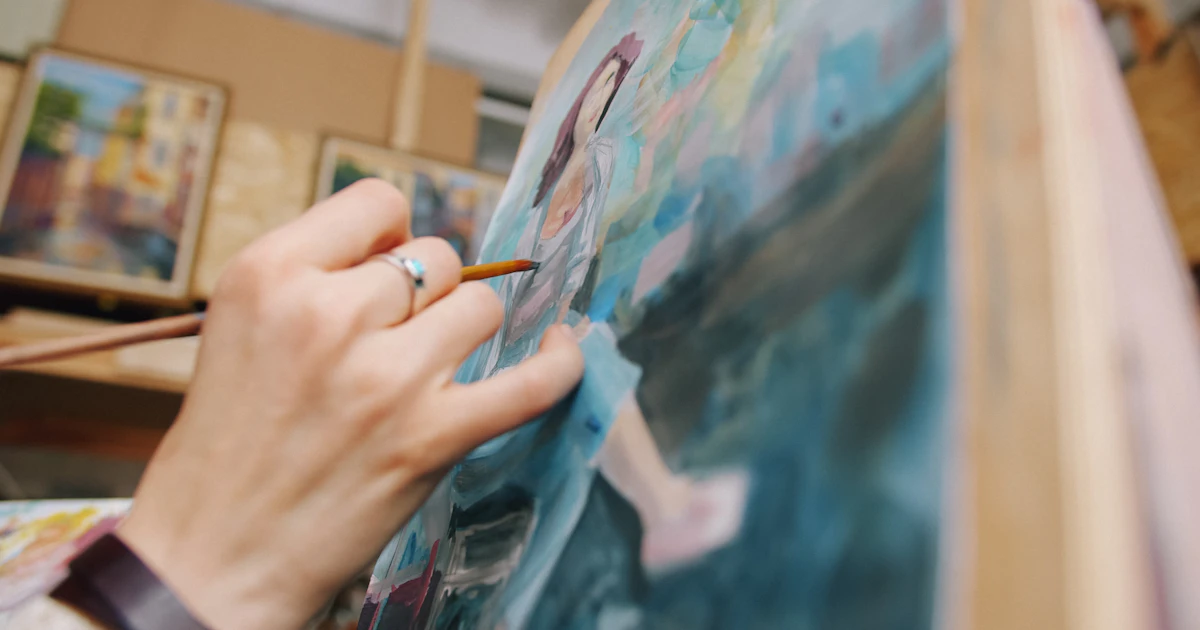
A finished painting shows the result. A short video of how it came together tells people who you are, and that is why they follow. Film your sketch, your palette, your tools, the moment you step back and look. Instagram says to make the start of a video compelling, so open with the most interesting moment.
Use Collabs to reach new people
Instagram says a Collab post is a single post shared to both creators’ followers. It can also be recommended in places like the Reels tab, Explore and Feed. For an artist, that means working with another artist, a musician, a writer or a small shop that likes your style. You reach people who already like similar things.
Try an idea before you commit
Trial reels show a Reel to people who do not follow you first. About a day later you can see how it did and decide whether to share it with your followers. It is a safe way to try a new style without changing what your followers see.
Reply to comments
Instagram suggests replying to comments on a Reel within the first seven days. Answer questions about your materials, your process and your prices. Instagram says early engagement can help a post reach more people, and replies show buyers there is a real person behind the work.
Make your art easy to find
Instagram says to include relevant keywords in your captions, bio and hashtags. Say what you make in words: “watercolour portraits”, “linocut prints”, “custom pet illustrations”. Put your medium and your city, if you sell locally, in your bio.
Watch what works
Open your insights and look at which posts people saved, shared and watched for longest. Instagram’s ranking explanation says it looks at likes, saves and shares, especially for what it shows in Explore. Do not judge by a single post. Look at a month, find the pattern, and make more of what works.
Protect your work
Posting art online carries a risk of copying. A few practical points:
- Sign your work in a corner that is hard to crop out, if you like. For Reels, avoid watermarks from other apps, since Instagram says they can hurt reach.
- Post a size that suits the screen, not a print-ready file.
- If someone copies you, message them first. If that does not work, use Instagram’s copyright report form. You need to be the rights owner or their authorised agent, and you need a link to your original work.
Give interested people a next step: your link in bio
When someone loves a piece, they ask: where can I buy it? If your answer is “message me”, many of them will not. Make it easy:
- Put one link in your bio.
- Send it to a page with your shop link, your commission details, your email or a contact form, and your best work.
With Linkerzz you can claim your link for free. The gallery block shows up to six pictures, so your best pieces sit on the page itself. Add a button to your shop and a contact form for commissions. Pro emails you each time someone writes. If you have not added a link yet, here is how.
A realistic plan
- Post three times a week at a pace you can keep, mixing carousels, Reels and Stories.
- Film your process every time you work, even if only for a few seconds.
- Collaborate with one other creator a month.
- Check your insights once a month and repeat what worked.
- Keep your link page up to date with what you want to sell right now.
Frequently asked questions
How do artists get followers on Instagram?
Post original work regularly, show how you make it, use carousels, Reels and Collab posts to reach people who do not follow you, and reply to comments. Instagram says engagement per viewer is a main factor in how far content is shown.
Should I put a watermark on my art?
A small signature on the artwork itself is common. Instagram says third-party watermarks on Reels can hurt reach, so keep Reels free of other apps' logos.
What is a Collab post?
A single post shared to the followers of everyone who is part of it. Instagram says it is a way to reach another creator's audience.
What can I do if someone posts my artwork without permission?
Message them first, then use Instagram's copyright report form. Only the rights owner or an authorised agent can file, and you need a link to your original work.
How do I sell my art from Instagram?
Put one clear link in your bio to a page with your shop, your commission information and a way to contact you.
Official sources checked
The facts about other apps in this guide come from these pages, checked on October 12, 2026.