QR codes for yard signs, flyers and business cards
Written by Yogesh, Founder of Linkerzz
· 4 min read
 QR code
The short answer
Point the QR code at a page you can edit, not at one listing or one gallery, so it never goes out of date. Print it dark on a light background, keep the white border, make it big enough for the distance people will scan from, and always test it with two phones before you print a batch.
Linkerzz makes a link-in-bio page builder and is not affiliated with Instagram, TikTok or any other app named here.
On this page
A yard sign gets seconds of attention. A business card lives in a wallet. A QR code turns both into a link: someone points their phone camera, and your page opens. It is one of the cheapest ways to turn a passer-by into a lead, but only if it scans, every time, on every phone.
This guide covers how to make a code that works for real estate signs, flyers and photographers’ cards, and the mistakes that make codes useless.
Point it at a page you can change
The biggest decision is not size or colour. It is what the code links to.
If you print a code that goes to one listing, it is wrong the day that listing sells. If it goes to one gallery or one offer, it goes stale when you update it. A code that goes to your link in bio page, such as linkerzz.com/yourname, stays right forever, because you change what is on the page, not what is on the sign.
Keep the address short. A shorter web address makes a simpler code, and a simpler code is easier to scan from further away.
Make the code
Our free QR code generator turns any web address into a code and lets you download it as a PNG or an SVG. Use SVG for anything you print, because it stays sharp at any size, from a business card to a sign. The tool runs entirely in your browser, so the address you type is never uploaded. If you want a code that opens a WhatsApp chat instead, our WhatsApp link generator makes the link and the code together.
Size: bigger than you think
A phone needs to see the whole code clearly. A common rule of thumb is that a code should be about one tenth as wide as the distance it will be scanned from.
| Where | Scanned from | Aim for a code about |
|---|---|---|
| Business card, flyer in hand | 30 cm | 2 to 3 cm wide |
| Shop window or poster | 1 metre | 10 cm wide |
| Yard sign | 2 metres or more | 20 cm wide or larger |
These are guides, not laws. A very simple code can be smaller, and a code on a car window or moving vehicle needs to be bigger. When in doubt, go bigger.
Colour and contrast
- Dark on light. Black or very dark blue on white is the safest. Some phones struggle with light codes on dark backgrounds.
- Keep the white border. The blank margin around the code is part of it. Do not crop it, and do not let a design element run into it.
- Do not stretch it. Resize it in proportion, never wider than tall.
- Avoid shiny finishes. Glare on a gloss sign or laminated card can stop a scan. A matte finish is safer.
Where to put it
For agents:
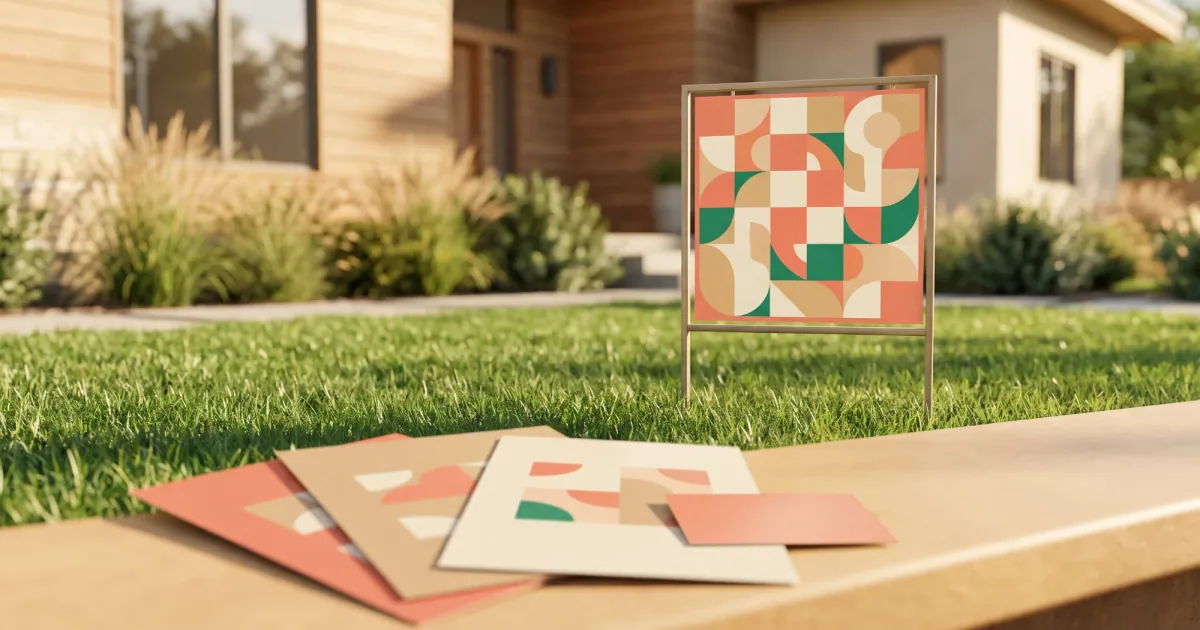
- On the yard sign, below the address, with a short line like “Scan for photos and price”.
- On flyers and brochures at open houses.
- On the sign-in sheet at the door, so visitors can find your other listings.
- In the shop window, if you have an office.
- On business cards and your email signature.
For photographers:
- On business cards you hand out at a shoot or event.
- At the entrance of your studio or stall.
- On the back of printed photos or albums you deliver, so happy clients can find you.
A line of text makes people scan
A bare code does not say why anyone should scan it. Add one short line beside it: “See my latest listings”, “Book a session”, “View the photos”. People scan when they know what they will get.
Test before you print a batch
This takes one minute and saves a lot of money.
- Scan the code from the actual image you are about to print, not just the screen.
- Scan it with two different phones, ideally an iPhone and an Android.
- Print one copy at the real size, tape it to a wall and scan it from the distance your audience will use.
- Only then print the batch.
If it does not scan
- It is too small for the distance. Print it larger.
- The contrast is too low, or the colours are inverted.
- The white border has been cropped.
- The web address is very long. Use a shorter one.
Build the page behind the code
The code is only as good as the page it opens. A Linkerzz page is free to start and has templates for real estate agents and photographers, with a contact form, a WhatsApp button and booking cards. Each page has its own short address, so the code you print today still works after you change every link on the page.
Frequently asked questions
How big should a QR code be on a yard sign?
Bigger than you think. A common rule of thumb is that a code should be about one tenth as wide as the distance it will be scanned from, so a sign read from 2 metres needs a code around 20 cm wide. For a flyer or business card, at least about 2 cm works if the code is simple.
What should a QR code link to?
A page you can change later, such as your link in bio page. If it links to one listing or one offer, the printed code goes stale the moment that listing sells.
Does a QR code expire?
A code made by our generator is just your address turned into a picture, so it works as long as the address does. If the page it points to is removed, the code leads nowhere.
Is the Linkerzz QR code generator free?
Yes. It runs entirely in your browser, nothing you type is uploaded, and you can download the code as an image.
Can I put a logo in the middle of a QR code?
It can work, but it makes the code harder to scan. For printed signs it is safer to keep the code plain.