How to make a link in bio page in 10 minutes (free)
Written by Yogesh, Founder of Linkerzz
· · 3 min read
 link in bio
The short answer
Sign up, claim your link, pick a ready-made starter page, replace the examples with your own links, choose a theme and publish. Then paste your page address into your Instagram bio. The free plan allows up to 7 blocks.
Linkerzz makes a link-in-bio page builder and is not affiliated with Instagram, TikTok or any other app named here. Facts about other apps were checked on October 24, 2026. Apps change their menus often, so trust the app's own help page if yours looks different.
On this page
A link in bio page is one web page that holds all your links. You put its address in your Instagram or TikTok profile, and you change the page whenever your links change. Here is how to make one on Linkerzz, step by step. If you want the idea first, read what link in bio means.
1. Claim your link
Sign up and choose your link name. It becomes your page address, linkerzz.com/yourname. A name uses lowercase letters, numbers, hyphens and underscores, from 3 to 30 characters. The free Instagram username generator can help if you are not sure what to pick. If you sign up with a password, you confirm your email address with one click first.
2. Pick a starting page
You do not start from a blank screen. Choose one of the ready-made starters (Creator, Coaches, Real estate, Photographers, Freelancers or Restaurants), or a blank page. Each starter is a full page with a photo, a featured card, tiles and a contact form that you then make your own. If you change your mind before you publish, you can switch starter.
3. Replace the examples with your own
The starter holds example links, a stock profile photo and example text. Linkerzz will not publish a page until you have replaced the ones that must be yours, such as example link addresses and the stock profile photo. The editor lists what is left, with a button that takes you to each one. If you get stuck, the first page guide walks through every step.
4. Add your links and blocks
Each part of the page is a block. You can add:
- Links, with a second line of text if you like, and a picture
- A WhatsApp button that opens a chat with a message ready to send
- A contact form, so people can write to you from the page
- Social icons for your accounts, and music and video cards
- Pictures and galleries to show your work
The free plan allows up to 7 blocks. That is enough for a short, clear page, and Pro raises the limit. Keep the most important link at the top.
5. Make it look like you
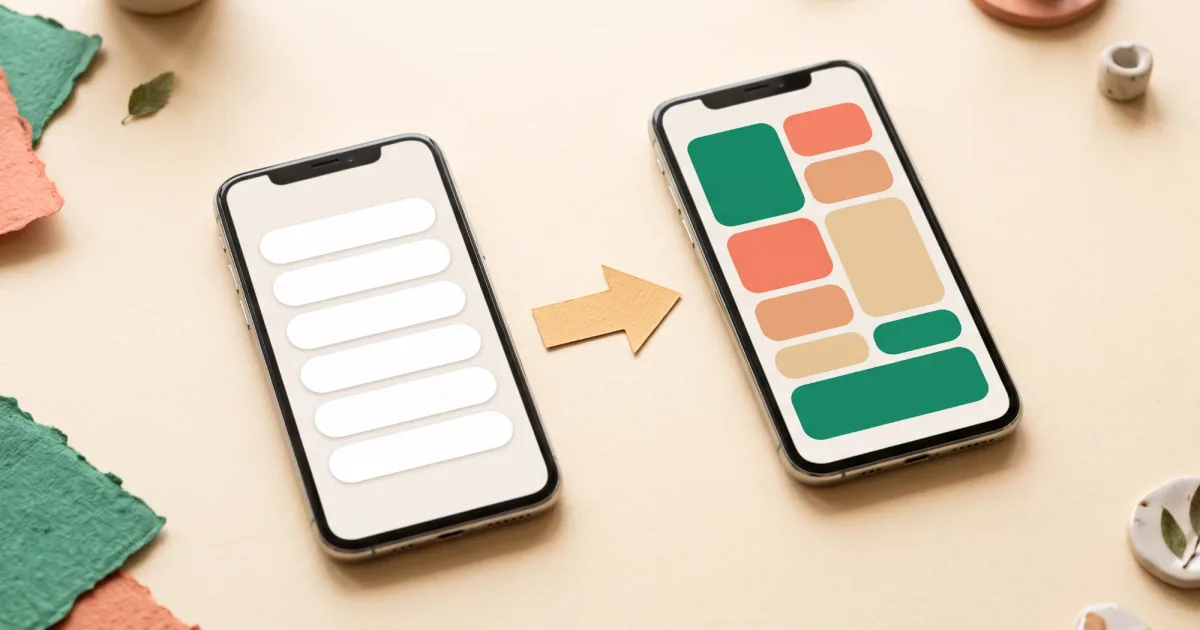
Pick a theme from the design tab. Choose a tile layout or a simple list, and change the colours and button style if you want. Everything you change appears in the live preview next to the editor.
6. Publish
Press Publish. Your page is live at your address, with nothing for you to host. It loads as a normal web page, so it is fast on a phone. Your changes are saved as a draft as you work, and visitors only see them when you press Update page.
7. Put it in your Instagram bio
These steps come from Instagram’s Help Center.
- Open your profile and tap Edit profile.
- Tap Links, then Add external link (iPhone) or Add link (Android).
- Paste your page address and tap Done.
Instagram says you can add up to 5 websites. The full walk-through is in how to add a link to your Instagram bio. For TikTok, see how to add a link to your TikTok bio, because the option depends on your account.
8. See what people tap
Free pages show how many people visited, how many tapped your links and the rate of taps per visit, with a chart of the last days. Check it after a week, and move the links people tap most to the top. Traffic sources are a Pro feature: there you can see where visitors came from, and a tag such as ?src=ig-bio on the address you share labels each place you post it.
Already have a Linktree?
Linkerzz does not import from Linktree yet, so open your Linktree in another tab and copy your links across. Keep your Linktree running until your new address is in your bio. The guide Linktree alternative: when to switch and how to do it has the steps.
Free or paid?
The free plan is enough for one page of up to 7 blocks. Pro adds more blocks, more pages, traffic sources and a connected domain of your own. See pricing, or compare tools in best link in bio tools and free link in bio.
Frequently asked questions
What is a link in bio page?
One web page that holds all your links, such as your shop, bookings, contact details and social accounts, so your profile needs only one address.
How do I make a link in bio page for free?
Sign up for a free Linkerzz account, claim your link, pick a starter page, add your own links and publish. The free plan allows up to 7 blocks.
How long does it take?
About ten minutes if you have your links ready. Pick the starter page closest to your work and swap in your own details.
Do I need a website?
No. The page is hosted for you at linkerzz.com/yourname. You only need the addresses you want to share.
Can I use my own web address?
Yes, on the Pro plan you can connect one subdomain that you own, for example links.yourname.com.
Where do I put my link in bio page address?
In the Links section of your Instagram profile: Edit profile, then Links, then add the address.
Official sources checked
The facts about other apps in this guide come from these pages, checked on October 24, 2026.